
Flying, landing and driving
Free, no account neededWhat's included
You can fly down from orbit to the surface of any solid body, planet, moon, asteroid or comet nucleus, and drive a buggy across it. It works in every system you can open, on a computer or a touch screen.
Fly
Press F, or the Fly (rocket) button on a touch screen, and the camera becomes a ship you steer. Press F again to go back to the orbit camera.
| Key | What it does |
|---|---|
| W / S | Throttle up and down |
| A / D, ← / → | Turn left and right |
| ↑ / ↓ | Pitch |
| Q / E | Roll |
| X | Cut the throttle |
| Shift | Boost |
| Drag | Steer |
| Scroll | Change the throttle in steps |
Your speed follows your surroundings: slow near the ground, faster as you climb, up to about 4 AU a second between worlds. Come in over a world and the ground you saw from orbit is the ground under you, coasts and mountains where the globe showed them.
Drive the buggy
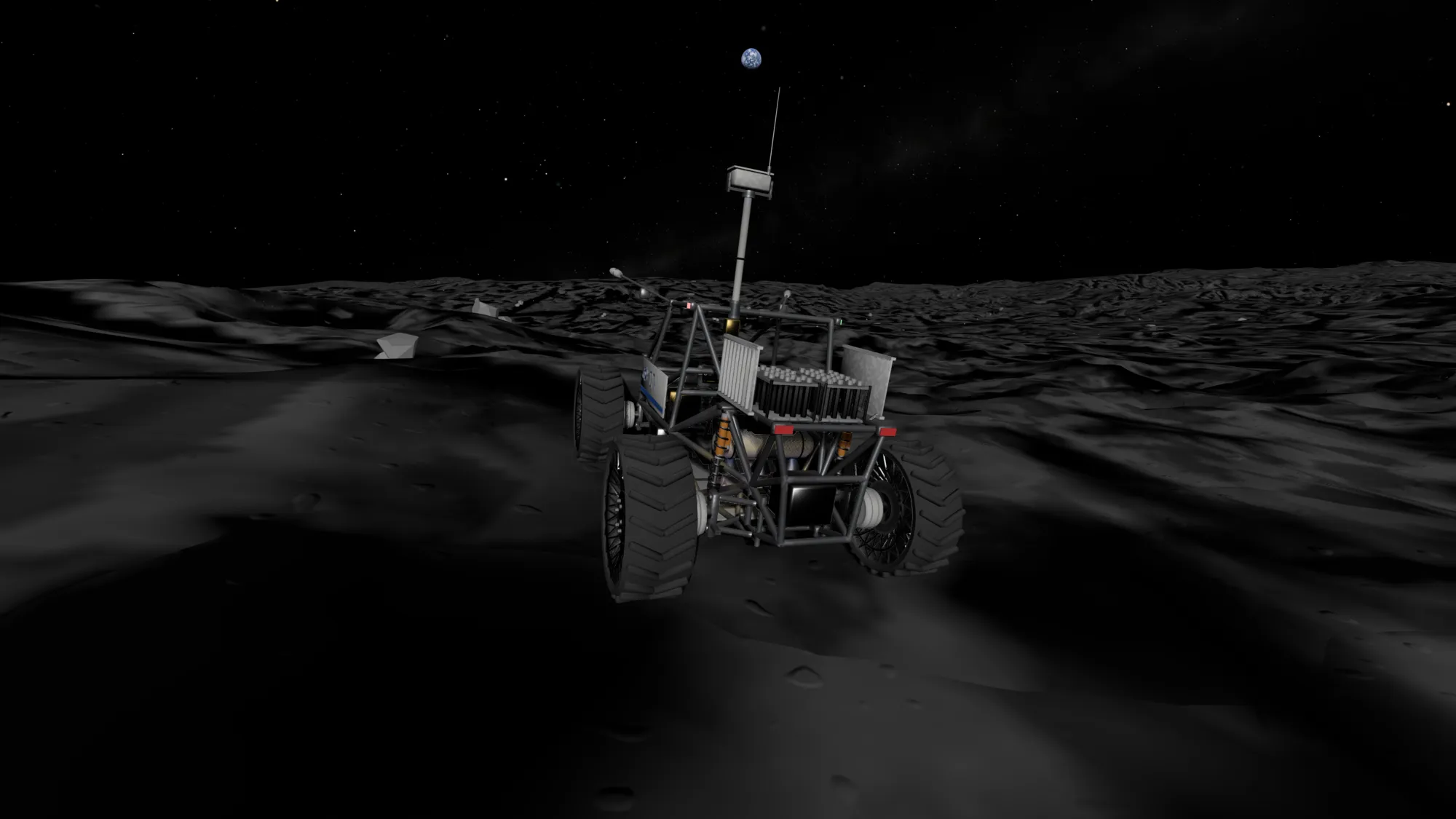
Within 100 metres of the ground, a tip appears: press V, or tap Vehicle on a touch screen, to get into a surface buggy. It works on any solid body. You can’t drive on a gas giant, which has no ground.
| Key | What it does |
|---|---|
| W / S | Drive forwards and back |
| A / D | Steer |
| X | Brake |
| Shift | Boost |
| Space | Hop, using the fuel bar on the dash |
| L | Head lamps, for the night side |
| N | Gravity assist: grips the ground on small bodies |
| R | Reset the buggy |
| F | Switch between outside and the driver’s seat |
| Drag, scroll | Look around the car, zoom |
| Esc | Leave the buggy |
The outside view orbits the car. In the seat view you look out over the nose with the dash in front of you, which shows your speed, your height, the throttle and a bar of hop fuel.
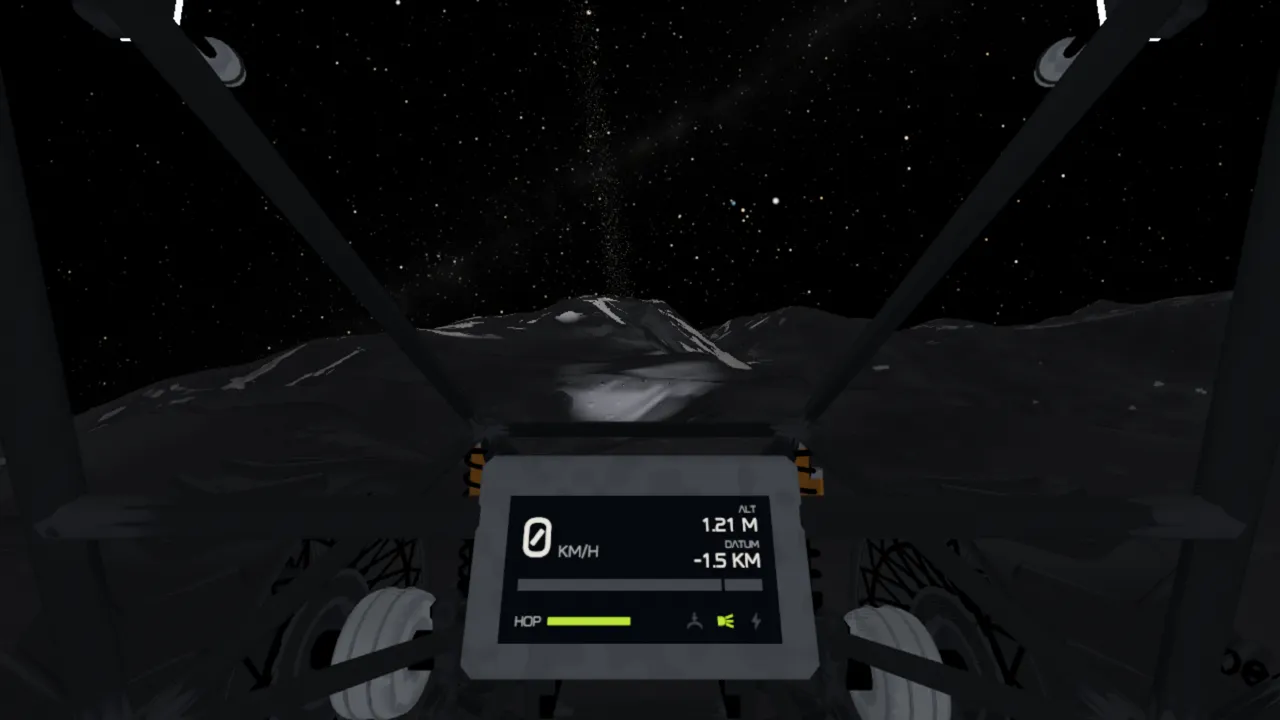
On a comet or an asteroid, where a car would bounce off into space, turn on gravity assist with N and the buggy grips the ground and climbs crater walls. Time runs at normal speed while you drive.
The HUD
Orbit, flight and driving share one set of instruments: a ring in the middle of the view and a strip along the edge. The ring carries your heading, the horizon and the direction of the nearest sun, with speed and altitude just outside it. Near a world it shows your pitch against the horizon, so you can see the angle you’re coming in at. Boost lights the same band whether you are flying or driving.
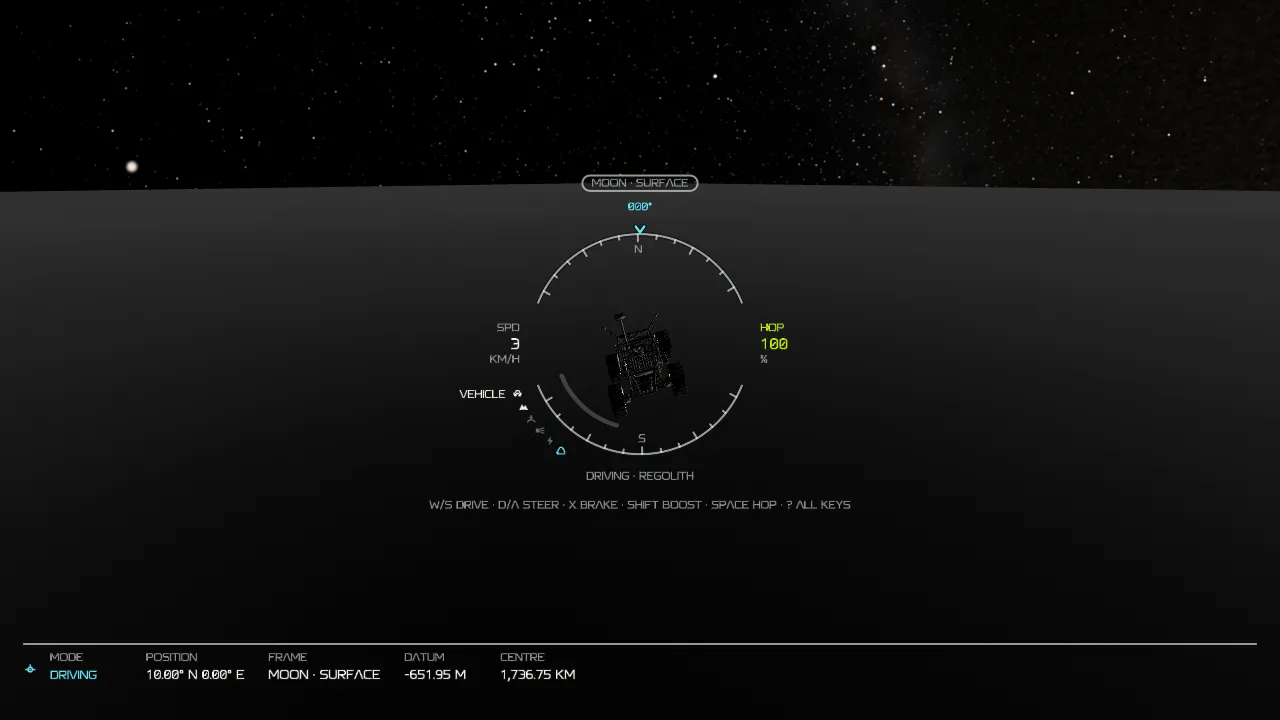
Press ? at any time for every key that works right now: in orbit, in flight or at the wheel.