
Teskooano 0.6.0
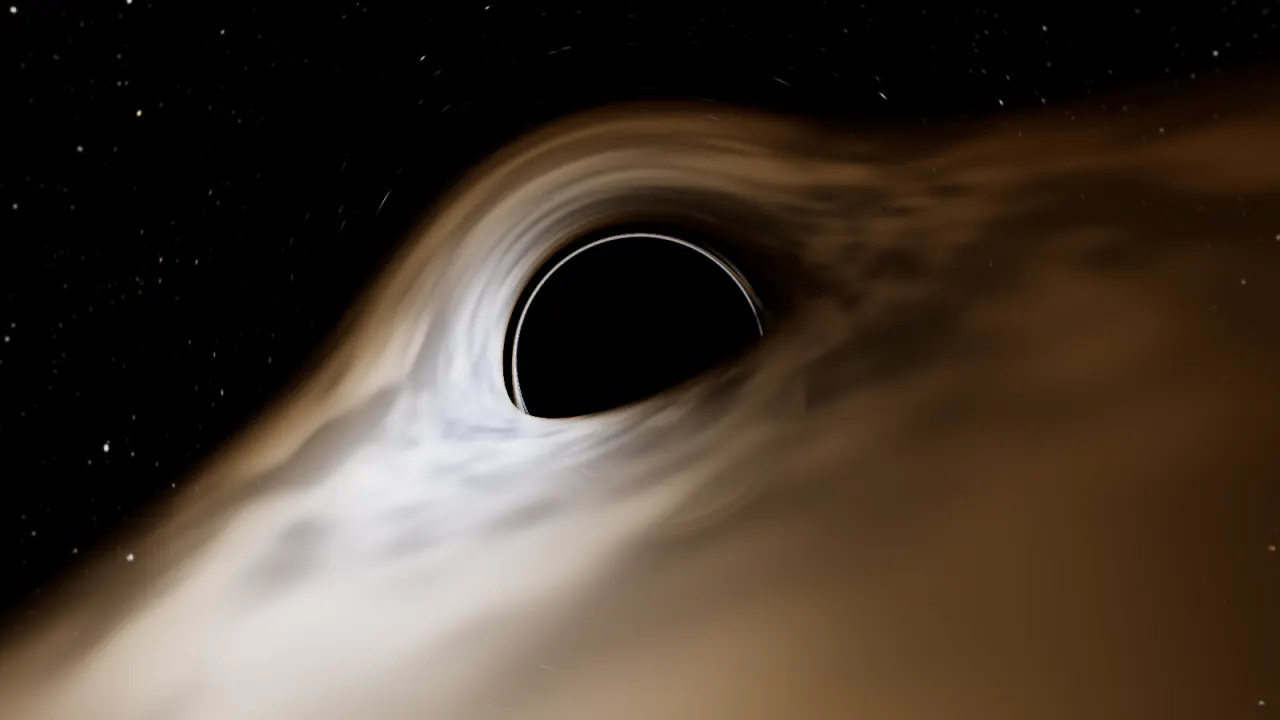
Gargantua
Gargantua and the systems of fiction, worlds shaped by plate tectonics, cinematic flights, real barycentres, a new HUD with photo mode, and teskooano.space with accounts and Claude.
The biggest release yet. Teskooano is now a whole site, not just a simulator: teskooano.space has accounts, saved systems with versions, and a connection that lets Claude build and test star systems with the same engine you fly in. The simulator gained worlds shaped by plate tectonics, flights that feel like leaving orbit, a barycentre for every group of stars, and a new heads-up display. And you can now visit Gargantua.
Highlights
Gargantua, and other places you know
Three systems from fiction join the catalogue.
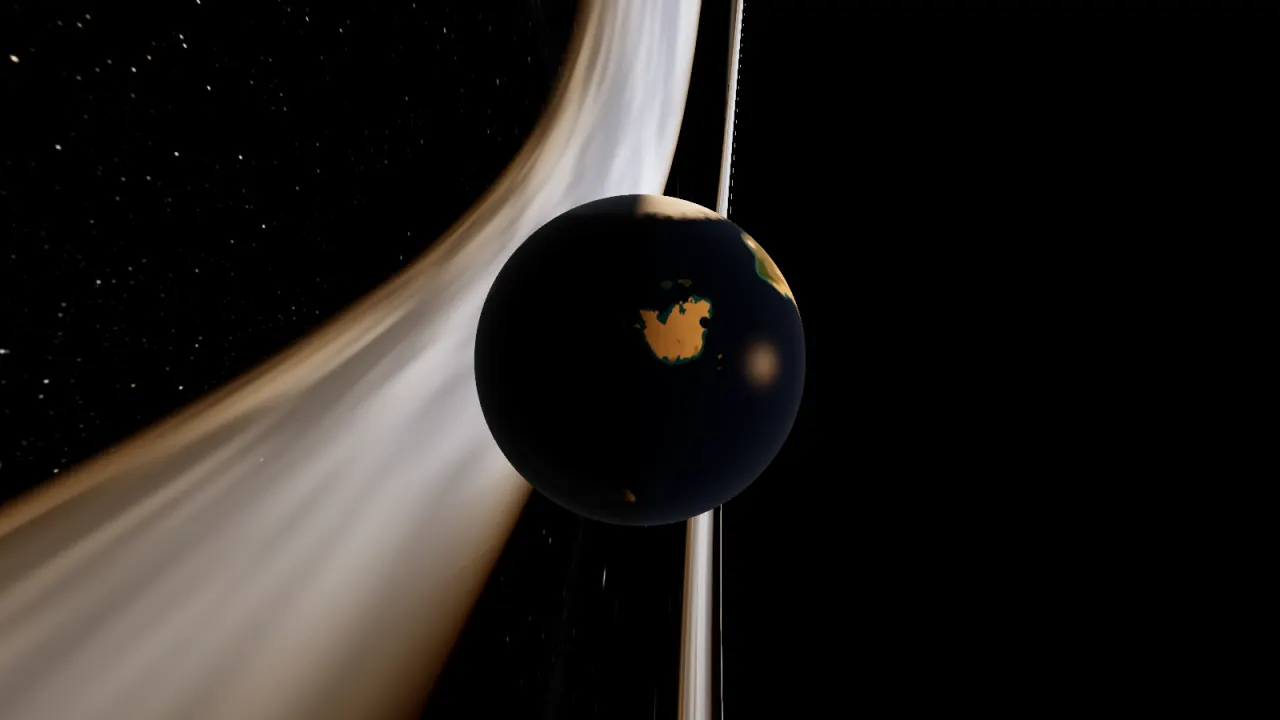
- Gargantua: a supermassive, fast-spinning Kerr black hole with Miller’s, Mann’s and Edmunds’ planets on their orbits. Miller’s planet goes round in under two hours.
- The Twelve Colonies: Helios Alpha and Beta, Gamma and Delta, with Caprica, Picon, Tauron, Gemenon and the rest of the colonies around them.
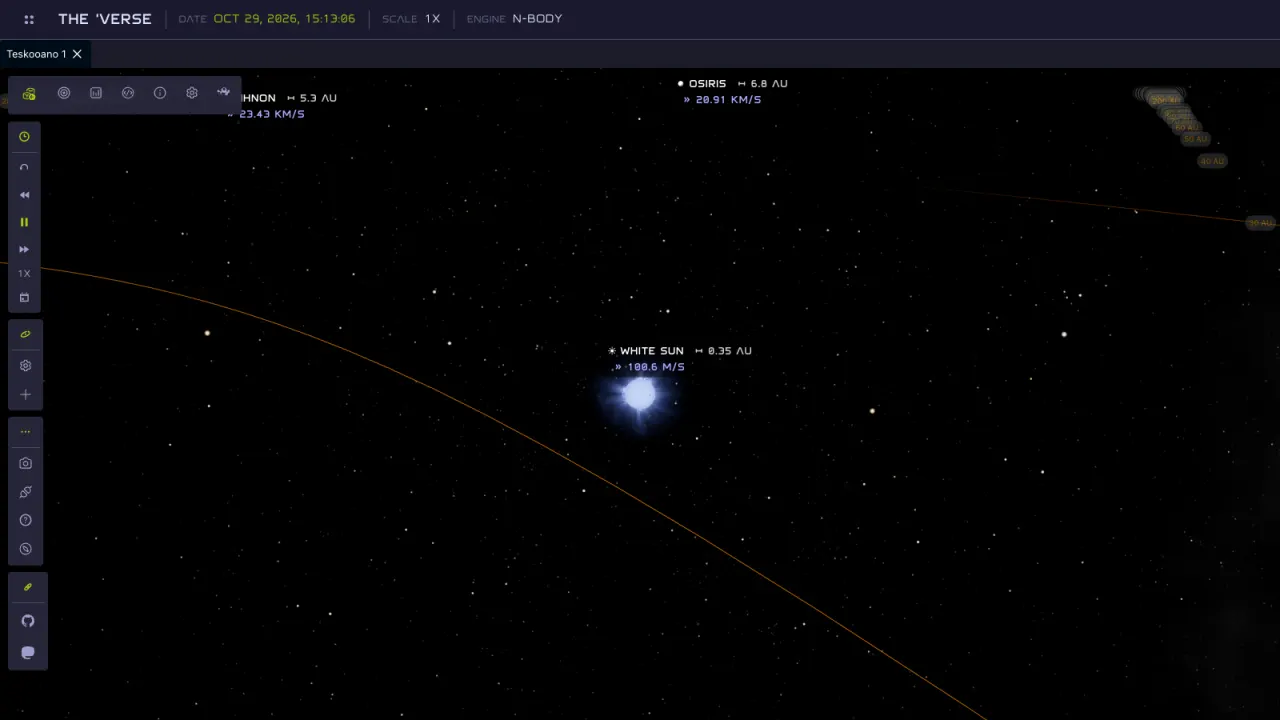
- The ’Verse: the White Sun with Georgia, the Red Sun, Kalidasa and the Blue Sun about it, and Burnham about the Blue Sun, with Londinium, Persephone, Shadow, Whitefall, Haven and Miranda among their worlds.
Worlds with a history
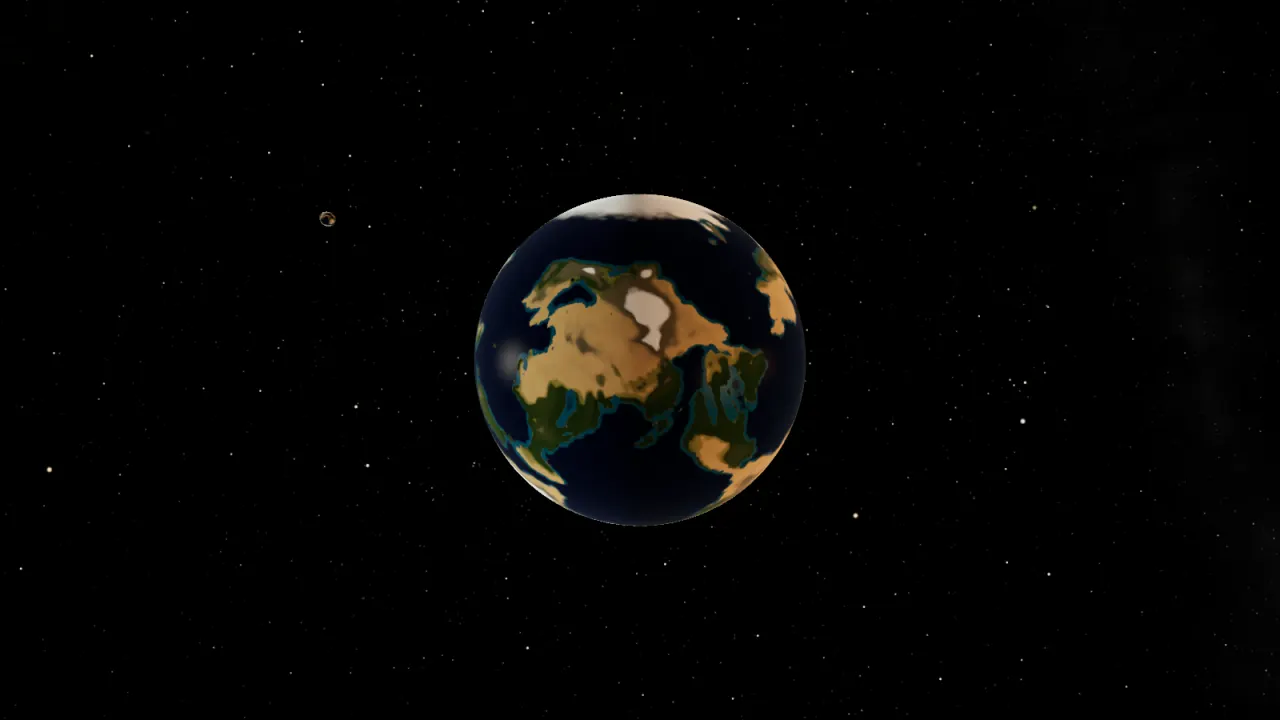
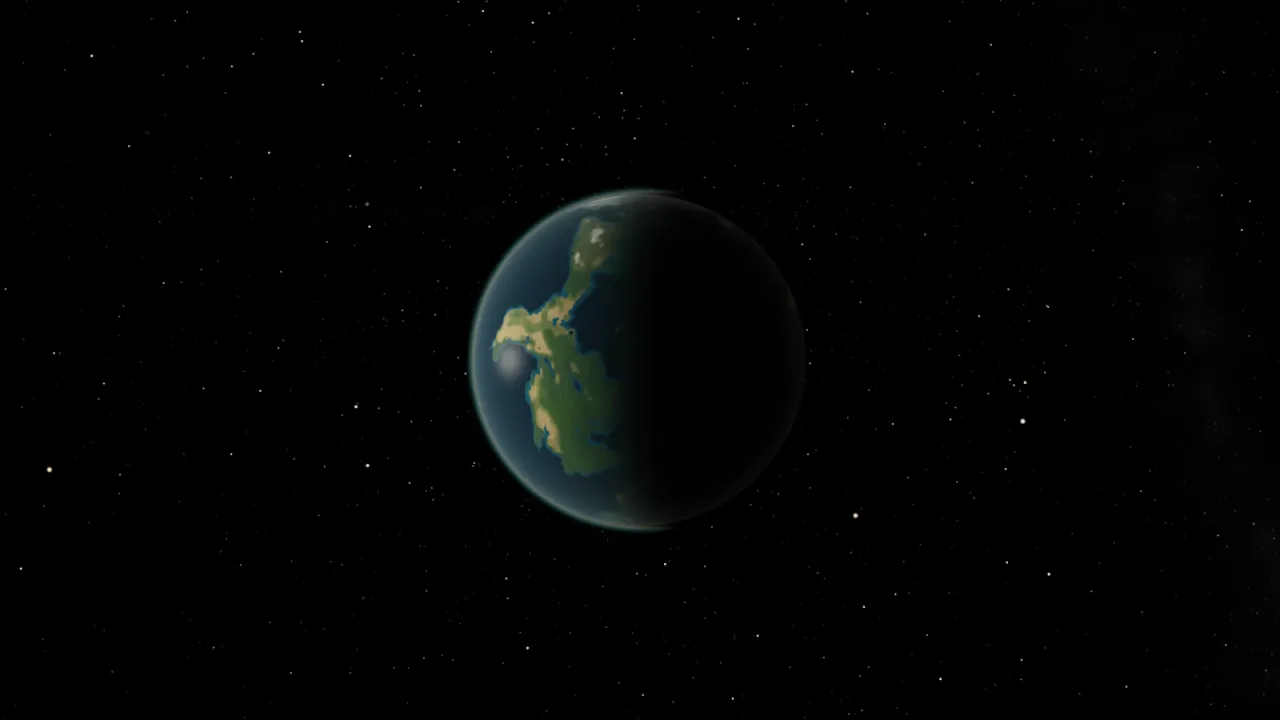
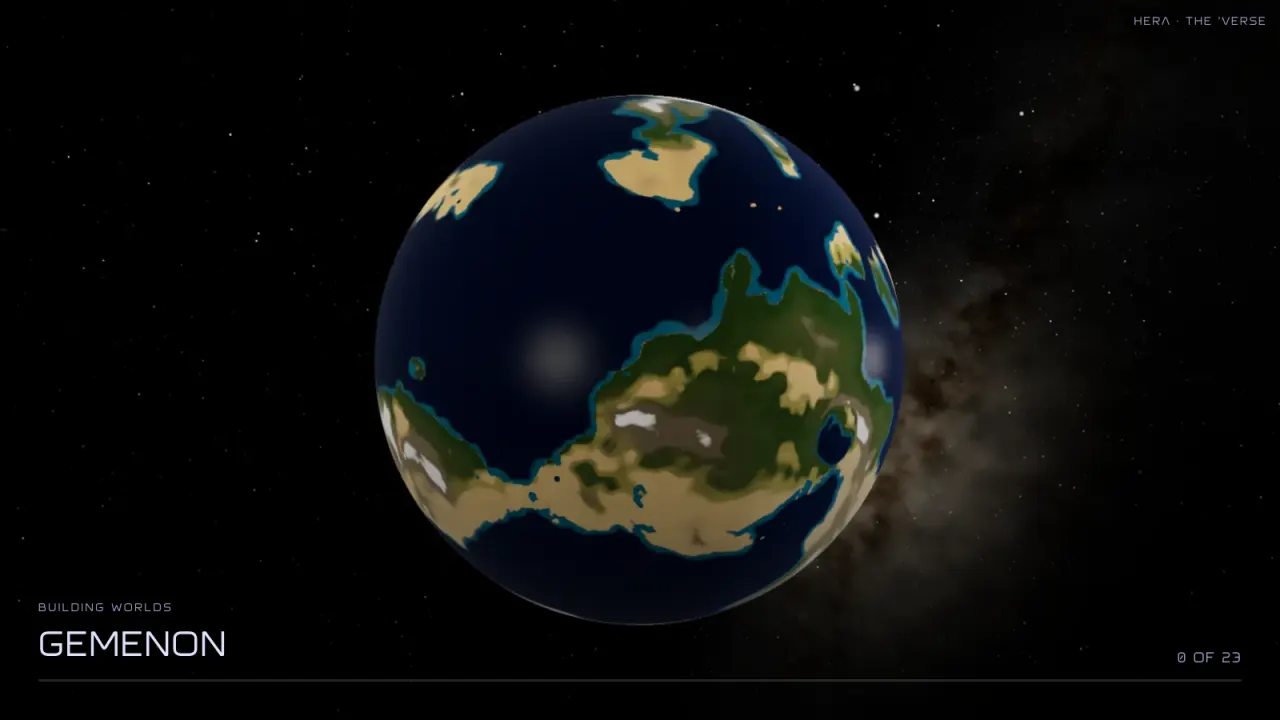
Rocky planets now get their geography the way Earth did. Plates drift and collide to raise mountain belts and open ocean basins, a whole-planet climate decides where it rains, and rivers run downhill from the wet highlands to the sea. Every body has its own seed, so the same world looks the same every time.
Building that takes work, so it happens ahead of you:
- A loading screen while a system builds, over cross-fading pictures of the worlds being made, naming each one and counting them off.
- Several worlds bake at once, and each only once. Surfaces you’ve built stay built when you load the system again.
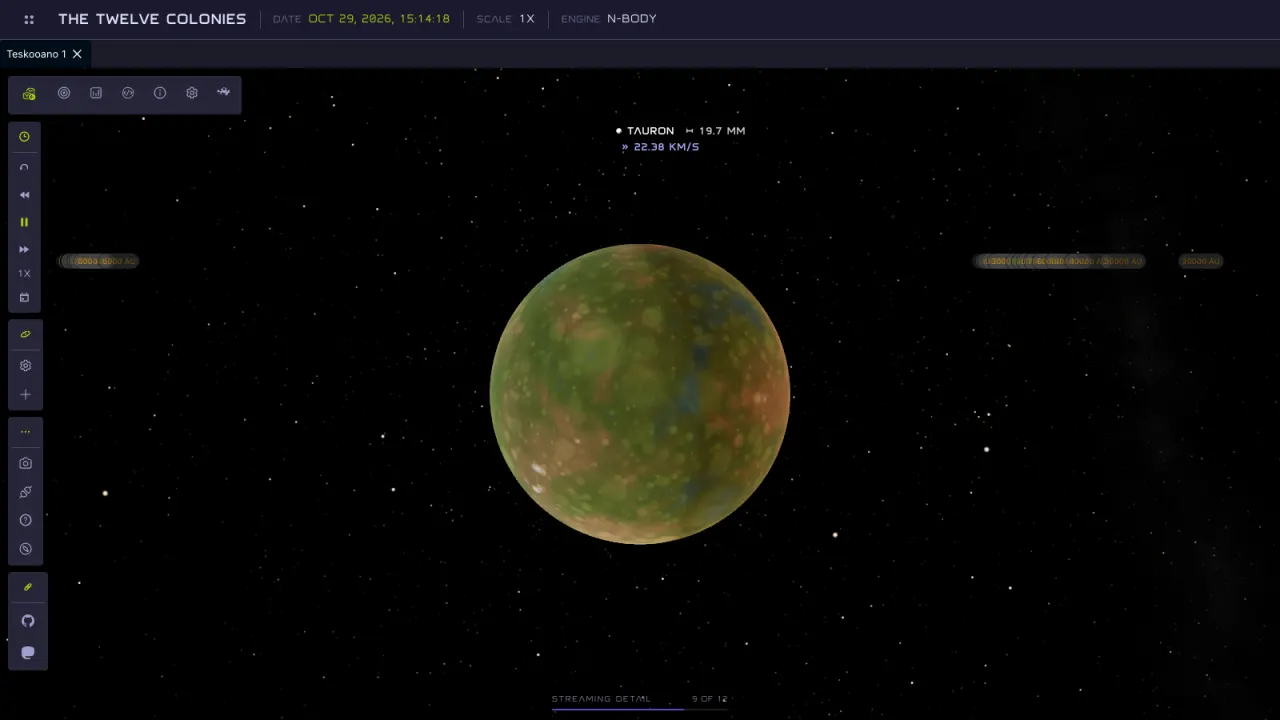
- Detail streams in ahead of the camera. Pick a destination and its full-resolution surface starts baking as you set off; a small meter at the bottom of the view shows it coming in. The loading screen never comes back mid-flight.
Leave orbit like the Enterprise
Flying between bodies has been rebuilt from the camera up.
- Departures. Leaving a body, the camera pulls back and swings round while the world you left slides off to the edge of the frame, then turns to the target and goes. It should feel like the opening of The Next Generation.
- Turn, then fly. Long trips no longer sweep the whole scene past you.
- Smooth flights. A trip across a system feels as easy as a hop to a moon, and zoom is smooth.
- Steady close-ups. Satellites, comets and small moons no longer shimmer or break up when you fly in close, however far they are from the Sun.
- Labels that hold still. Labels and AU markers thousands of AU out stopped flickering, and AU rings are thin lines that no longer merge into an orange floor.
A barycentre for every group of stars
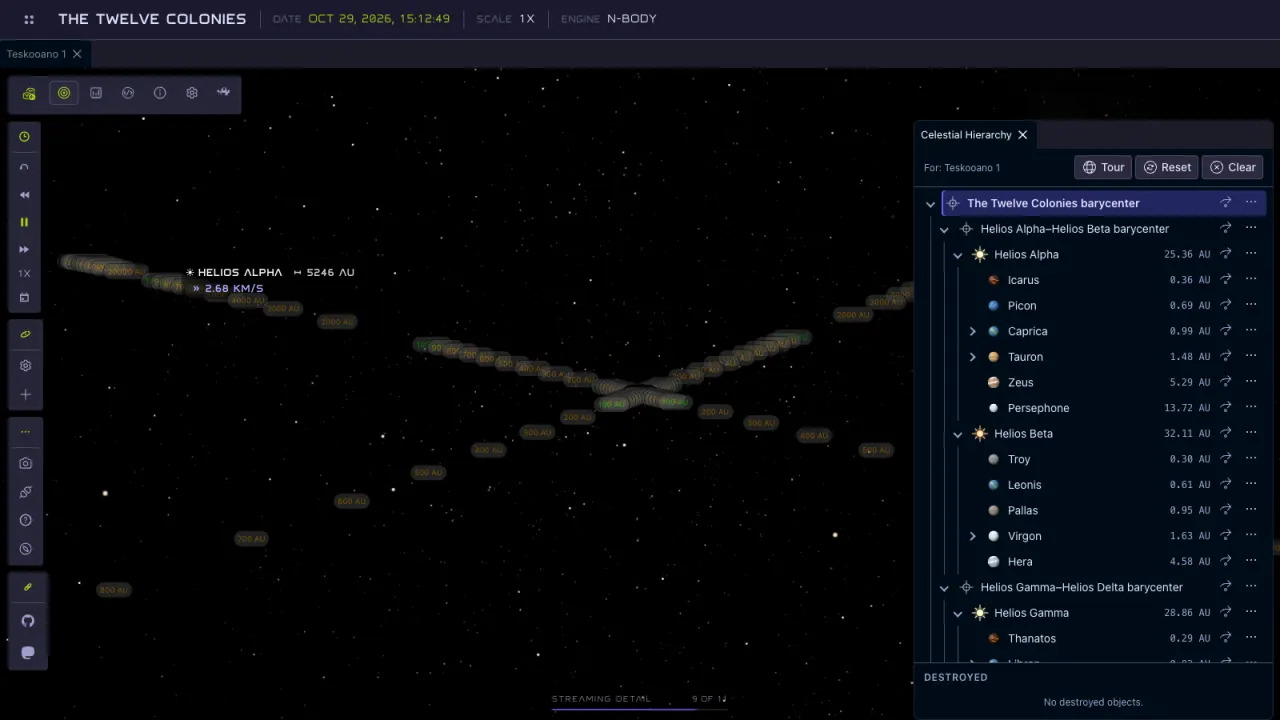
Multi-star systems are laid out the way they really are. Each group of stars gets a barycentre, and the system’s root barycentre, at the centre of every star’s mass, is where the AU rings are centred. The Celestial Hierarchy shows the tree: in the Twelve Colonies, the root holds the Alpha–Beta and Gamma–Delta barycentres, and each holds its stars and their worlds. Go to a barycentre and the camera frames the stars around it.
Stars also light the system properly now. Each body picks its lights by how much light it actually receives, the total from all its stars is capped, and Alpha Centauri’s stars start where they really are on their orbits.
A new HUD, and photo mode
The interface is now a heads-up display: a header with the system’s name, date, time scale and engine, and floating groups of tools over the view. It’s set in Teskooano Display, my own generated font with NASA-style letters, and every kind of body has a new icon, drawn shape first, that appears as a glyph in labels too. The intro tour was redesigned to walk through it.
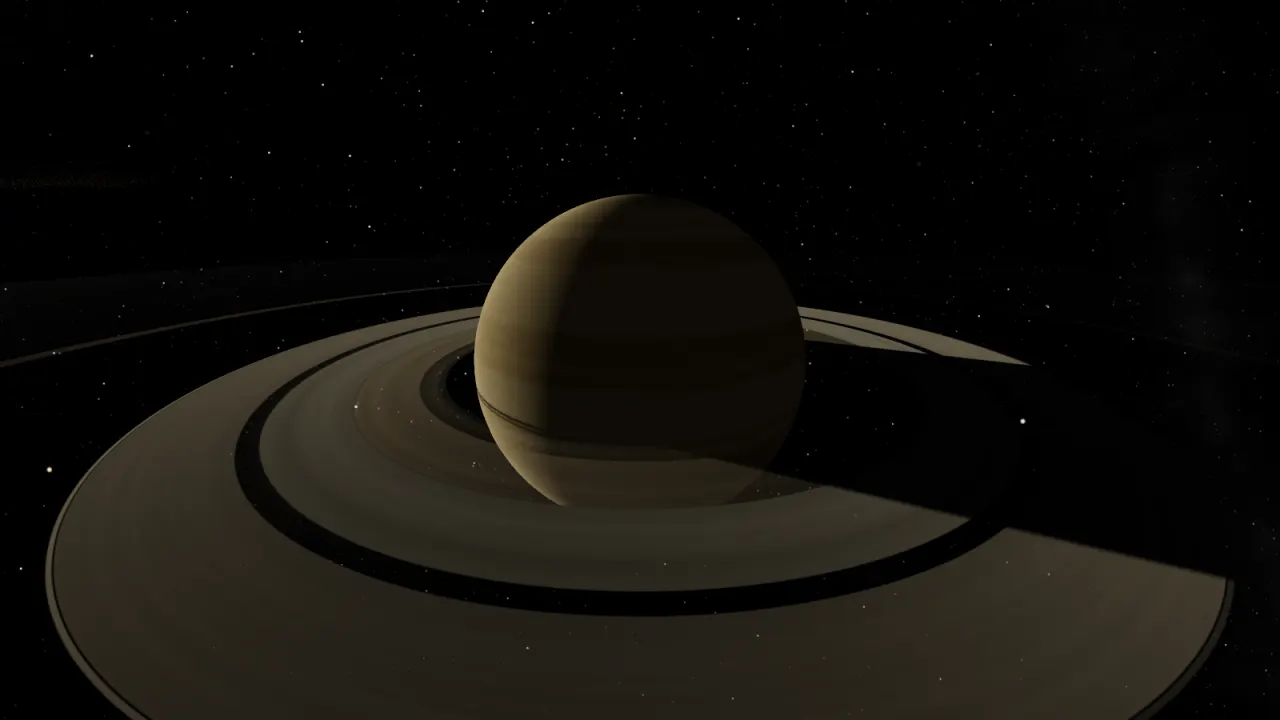
To see just the view, press H or the camera button for photo mode.
The header, tools, labels, orbit lines, AU rings and grid all go, and come
back as you left them when you press H or Esc again. Add ?ui=off
to a link to open a system in photo mode.
teskooano.space
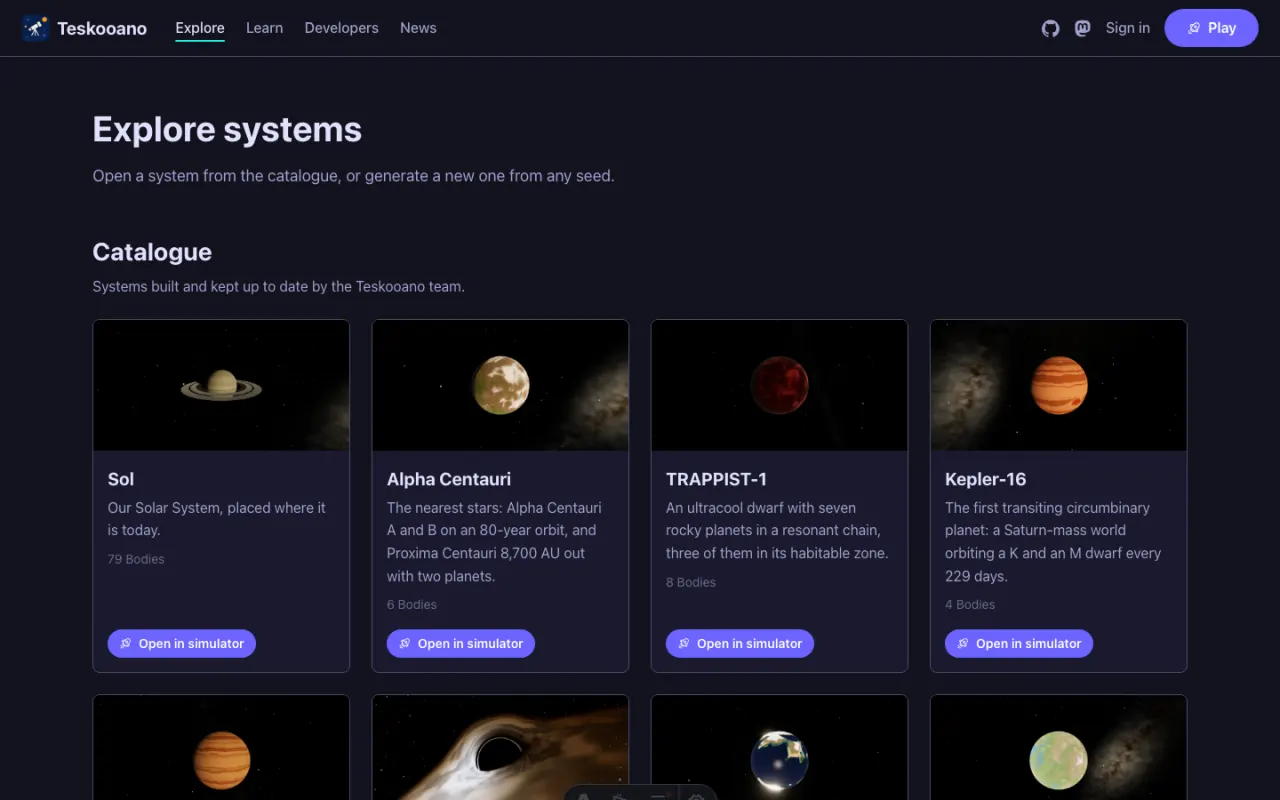
The simulator now lives inside a site.
- Explore the catalogue, or generate a system from any seed. Every catalogue system has its own page with a picture and a table of its bodies.
- Sign in with GitHub to save systems to your account, keep them private or share them, and clone anyone’s public system. Signing in is always optional.
- Versions. Every save is a version you can go back to. A copy of a system can follow its original and update when the original changes, and the catalogue’s core systems keep themselves up to date.
Build systems with Claude
Claude and other AI assistants can now connect to teskooano.space and work with your systems. They can read the catalogue and your systems, generate one from a seed, add stars and planets, check a system for unstable orbits, moons torn apart by their planet and moons that will drift away, and simulate it to see what collides or escapes. Each edit is saved as a version with a note.
It’s the same engine the simulator uses, and it gives exactly the same results wherever it runs, so what Claude simulates is what you’ll see when you open the system.
Also in this release
- Planets and orbit lines no longer vanish behind a black hole.
- You start outside the main star, not inside a supermassive black hole.
- Alpha Centauri’s stars start where they really are on their orbits.
- Generated planets are placed on orbits that last, and multi-star systems no longer drift away.
- Reloading a system no longer slows the simulator down over time.
- A picture for every catalogue system, icons in body tables, and seven systems on the home page.