
Teskooano 0.8.0 to 0.27.0
Blue Marble
Real atmospheres, living weather and seasons, a systems library and editor in the app, saved views, photos and video, and more than one view at once.
Goldilocks showed where life could be. Blue Marble is about what those worlds look like when you get there. Planets now have air: skies that brighten at the limb, clouds that drift on their own winds, and weather that churns, breaks up and comes back as the seasons turn. Speed time up and you’re watching a satellite loop.
The simulator also becomes a place to work in. You can browse systems, edit them, save the views you like and photograph them without leaving the app.
Highlights
Worlds with air
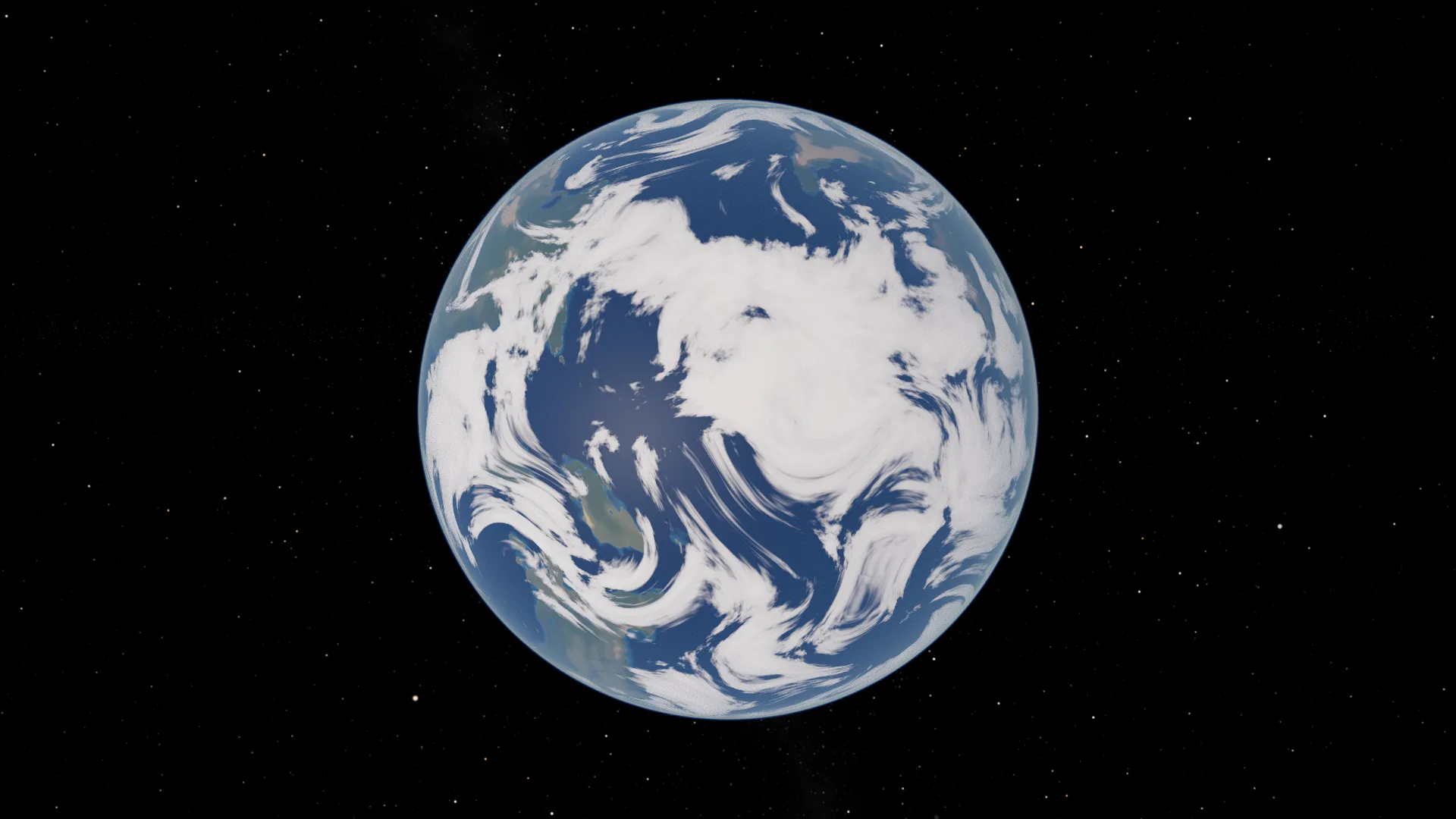
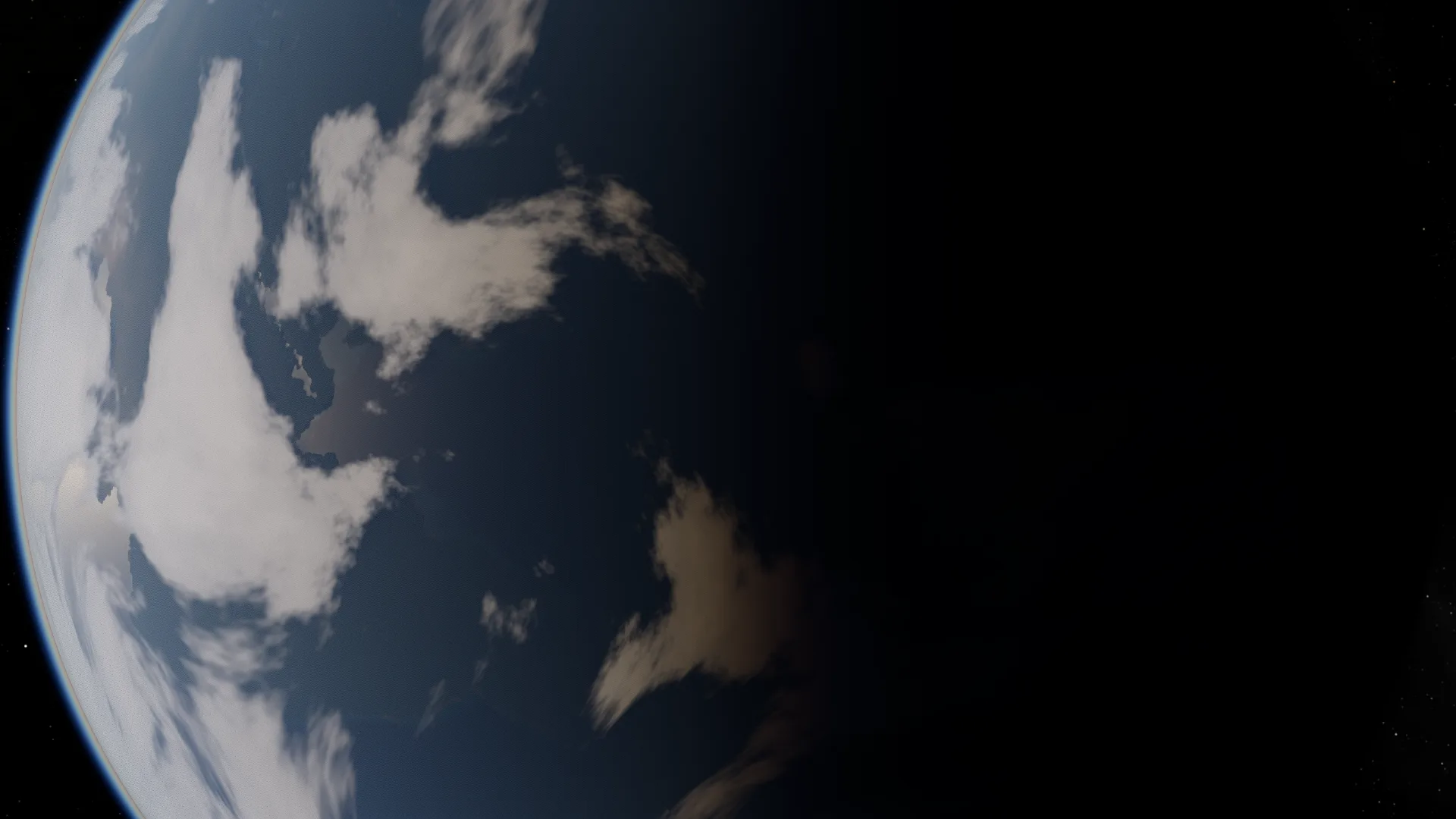
Rocky worlds have a real atmosphere now. Light scatters through it, so the sky brightens and reddens towards the horizon, a thin blue line lights up along the edge of the globe, and the sun glints off the seas. Worlds with haze look hazy.
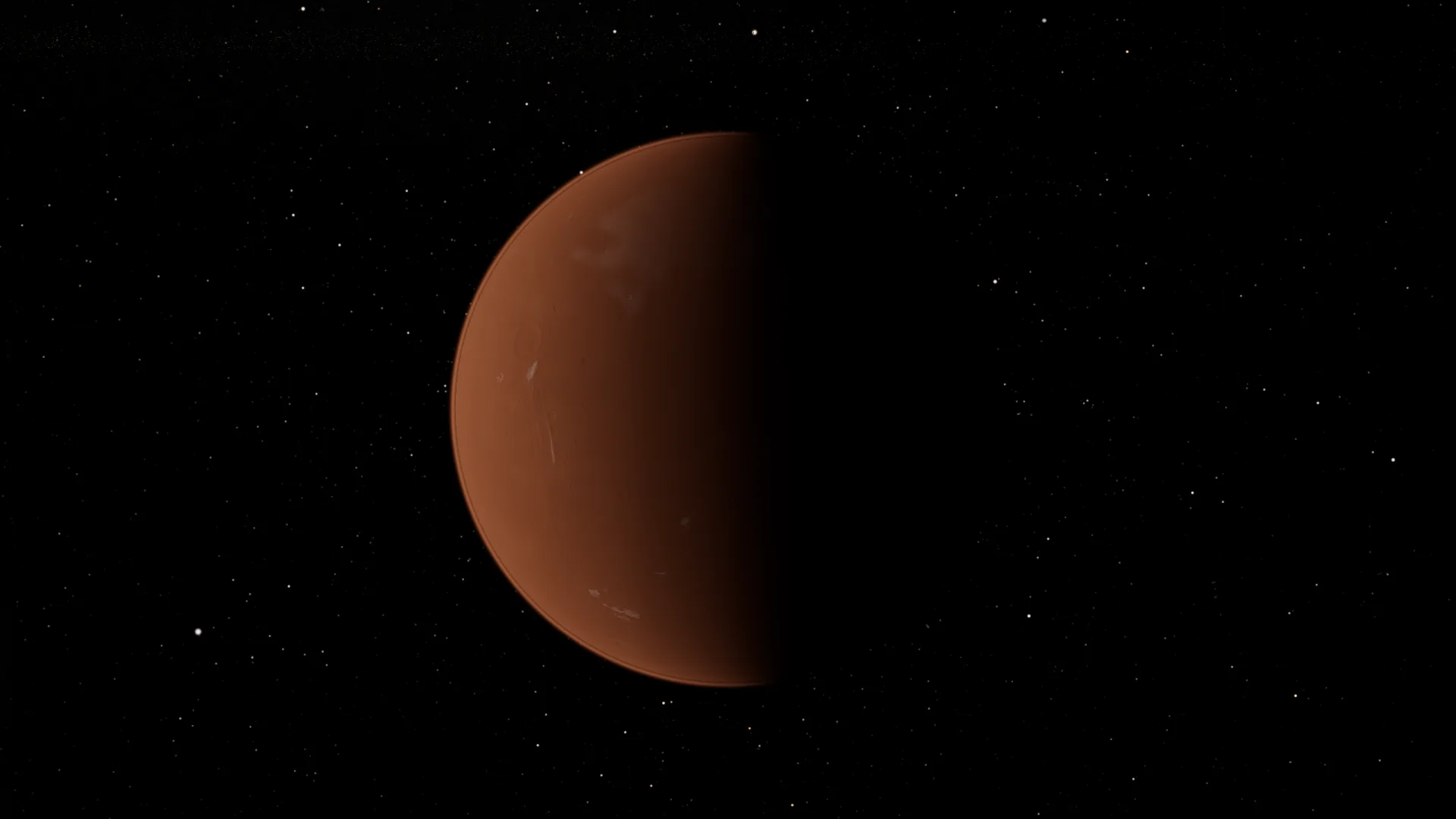
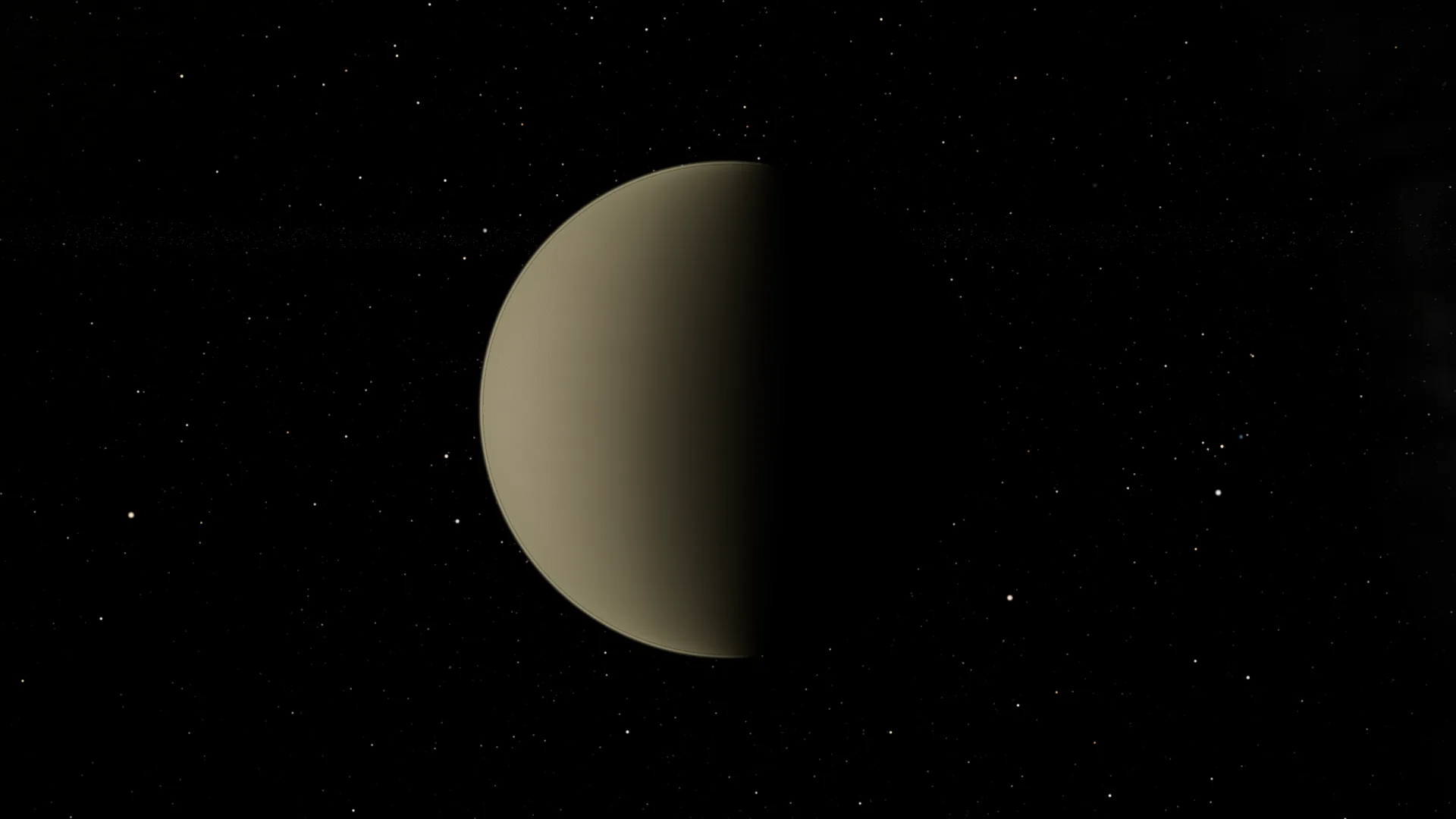
Every planet and moon in the hand-made systems has its own temperature, air, seas and brightness. Mars is rusty and thin-skied, Venus is wrapped in pale cloud, and nothing in the catalogue looks like a copy of Earth any more.
Living weather
Every cloudy world has clouds, ragged at the edges and thickest where the rain falls, over clear deserts and stormy oceans. They move on each world’s own winds, from Earth’s jet stream to Venus’s racing cloud tops.
The big masses don’t slide as one block. They split, merge and change shape as they go, and storms spiral round lows, turning the right way in each hemisphere. At real time the sky is calm. Speed time up and the weather runs ahead, so within seconds you’re watching systems form and clear like a satellite loop.
Seasons and spin
Planets have seasons, and their climate changes as they go round their star. Every world turns about its real axis, with its globe tilted to match, and regular moons orbit over their planet’s equator. Up close you get crisper coasts, muted, natural colours and sharper detail.
When you focus on a body, the camera arrives on its sunlit side. You can also look straight down on a latitude and longitude and turn with the planet.
Systems, right inside the app
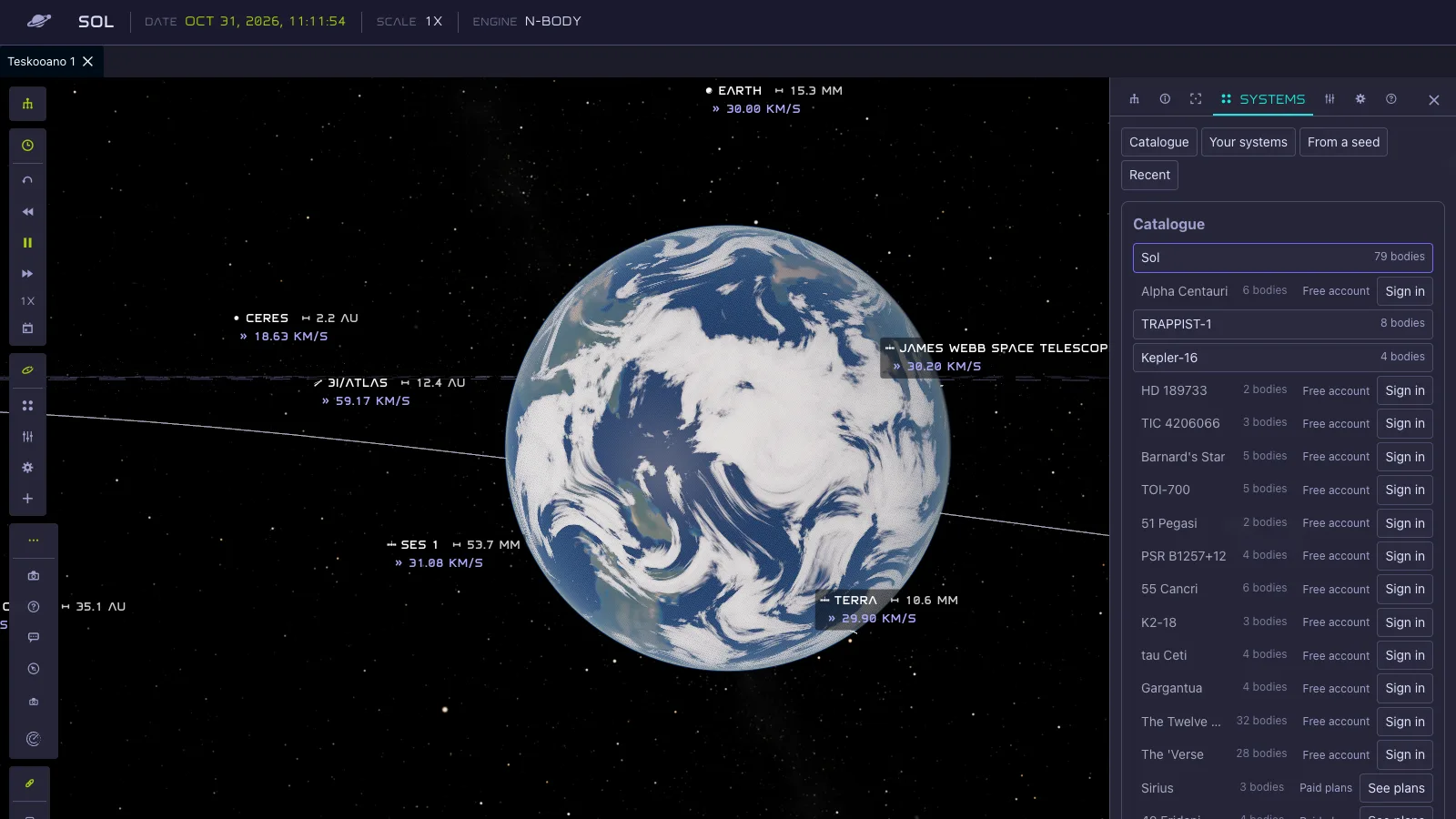
A Systems tab brings the catalogue, your own systems, a system from a seed and what you opened recently into the simulator. Back and forward move between them. In Settings you can choose to start in the library or in the last system you had open.
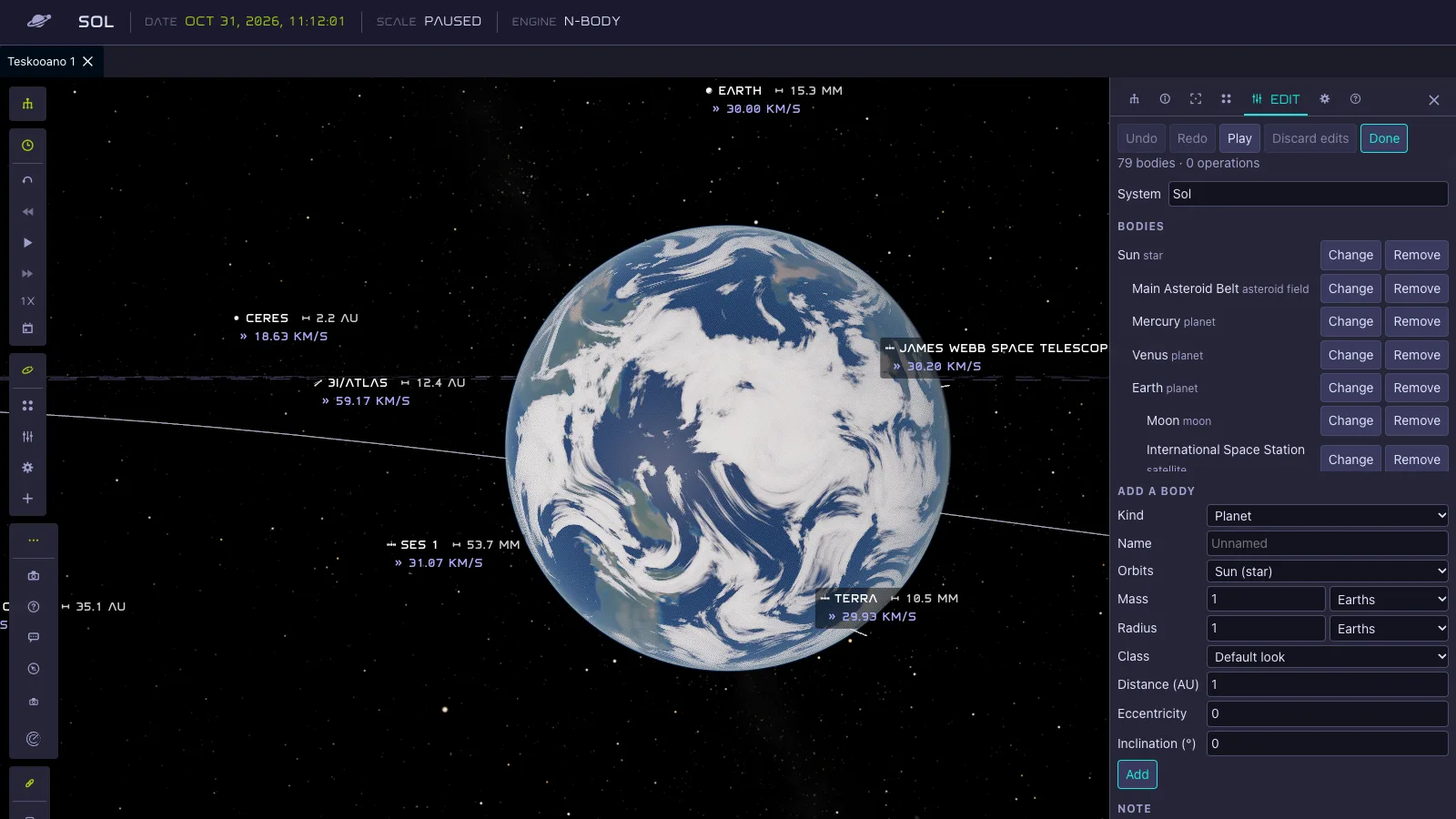
Edit pauses the simulation so you can change the system: add, change or remove bodies, with undo and redo. Press Play to see what your changes do, and keep going. If you leave and come back, your draft is still there.
Views worth keeping
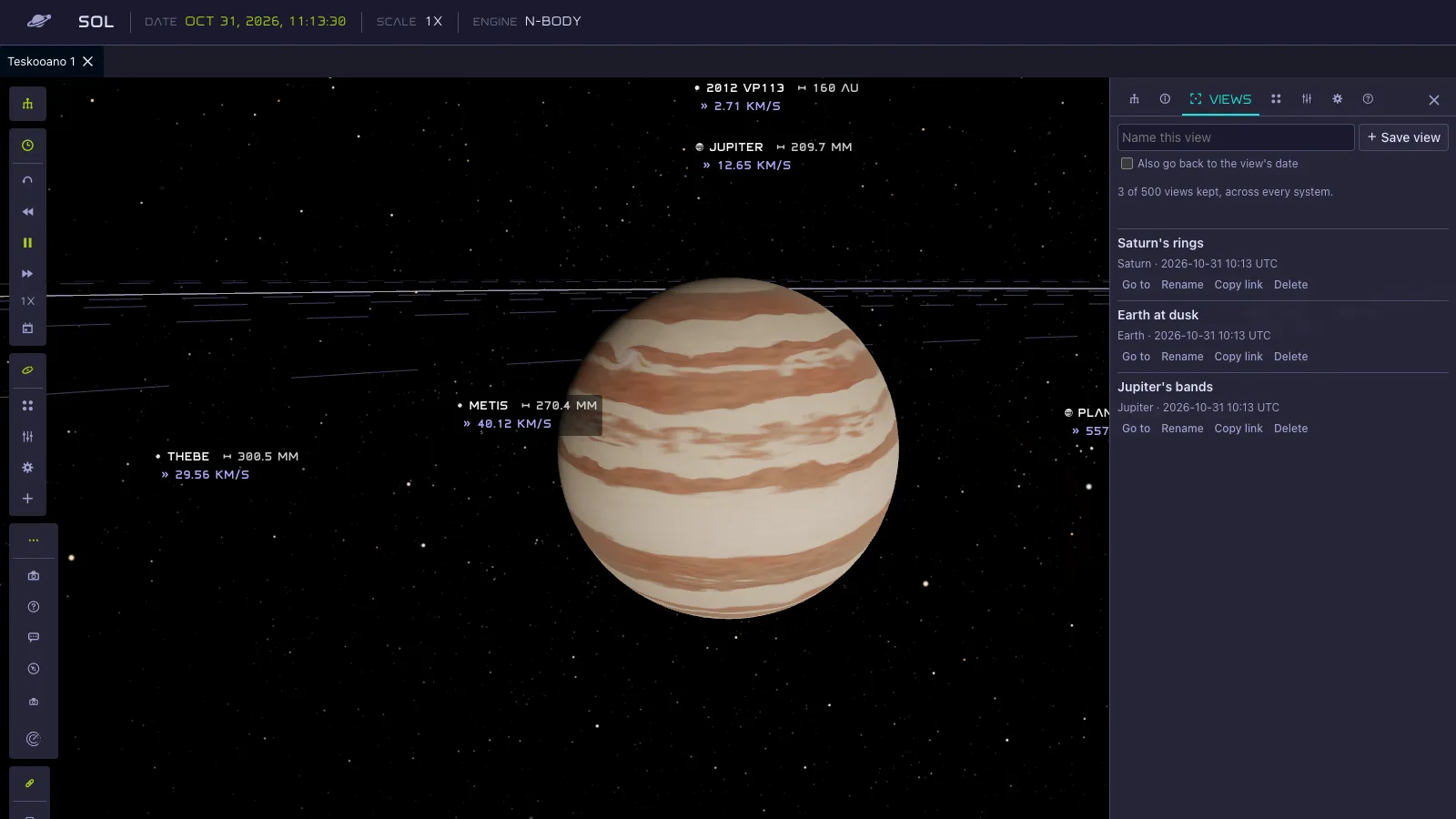
- Saved views: name a camera view and come back to it, or copy a link that opens on that exact view, optionally at that date.
- Photos and video: take a photo or record a video of what you see, up to 8K, as large as your device can draw.
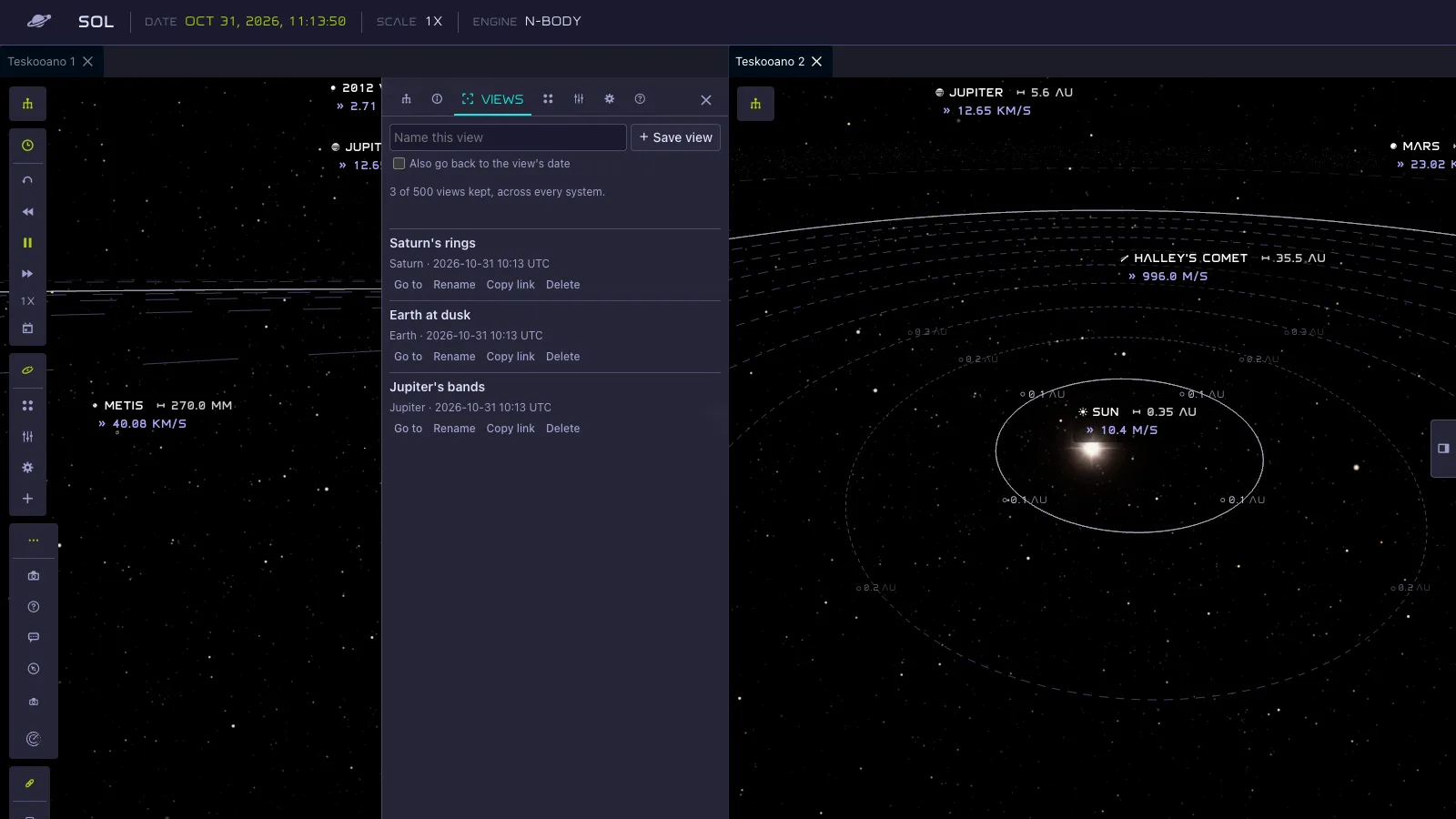
- More than one view: open a second engine view next to the first, in photo mode too, and watch two parts of a system at once.
- Sky: choose the kind of sky behind every view. Zoomed-in views now show fine, faint stars where the sky used to turn soft.
Also in this release
- Signed out, the simulator is a clean viewer.
- The view no longer goes black near an asteroid belt.
- A world’s clouds keep their weather when it finishes building or you edit it.