Phones and offline use
Teskooano works on phones and tablets as well as desktops. On a touch screen, drag with one finger to orbit, pinch to zoom, and swipe the main toolbar sideways to reach every button. Panels and dialogs stay on screen, and the Grand Tour closes the hierarchy panel when it starts so you can see the view.
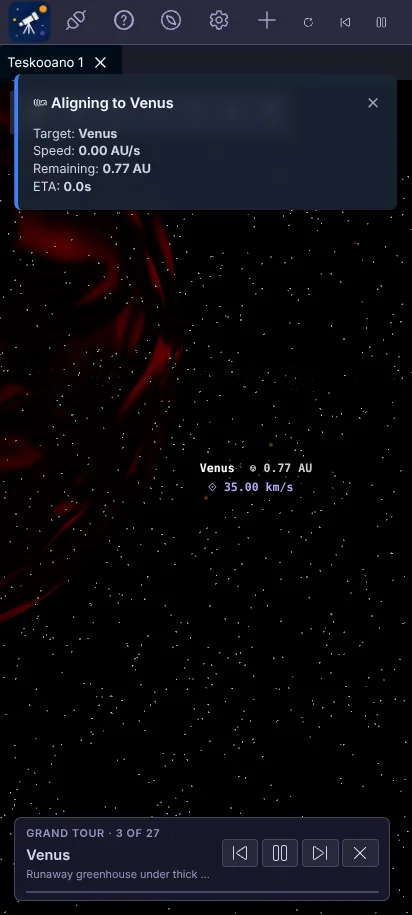
To keep phones smooth, Teskooano turns off bloom and caps the rendering resolution on mobile GPUs, uses fewer asteroid rocks, and bakes planet surfaces at a smaller size.
Install as an app
Section titled “Install as an app”Teskooano is a Progressive Web App, so you can install it and use it offline:
- Chrome and Edge on desktop or Android: use Install app in the address bar or the browser menu.
- Safari on iPhone and iPad: tap Share, then Add to Home Screen.
The installed app updates itself: when a new version is out, it loads the next time you open Teskooano.